
App for iPhone and Android
BulbCalc The app for long exposures
Free · App Store and Google Play
Pick the filter and BulbCalc tells you the right exposure time.
- Base and advanced calculation, from ND2 to ND64000, even from a test shot.
- Opens and closes the shutter for you over Bluetooth.
- The countdown on the lock screen too.
- Free and with no account, for iPhone and Android.

Apple and the Apple logo are trademarks of Apple Inc., registered in the U.S. and other countries. App Store is a service mark of Apple Inc. Google Play and the Google Play logo are trademarks of Google LLC.

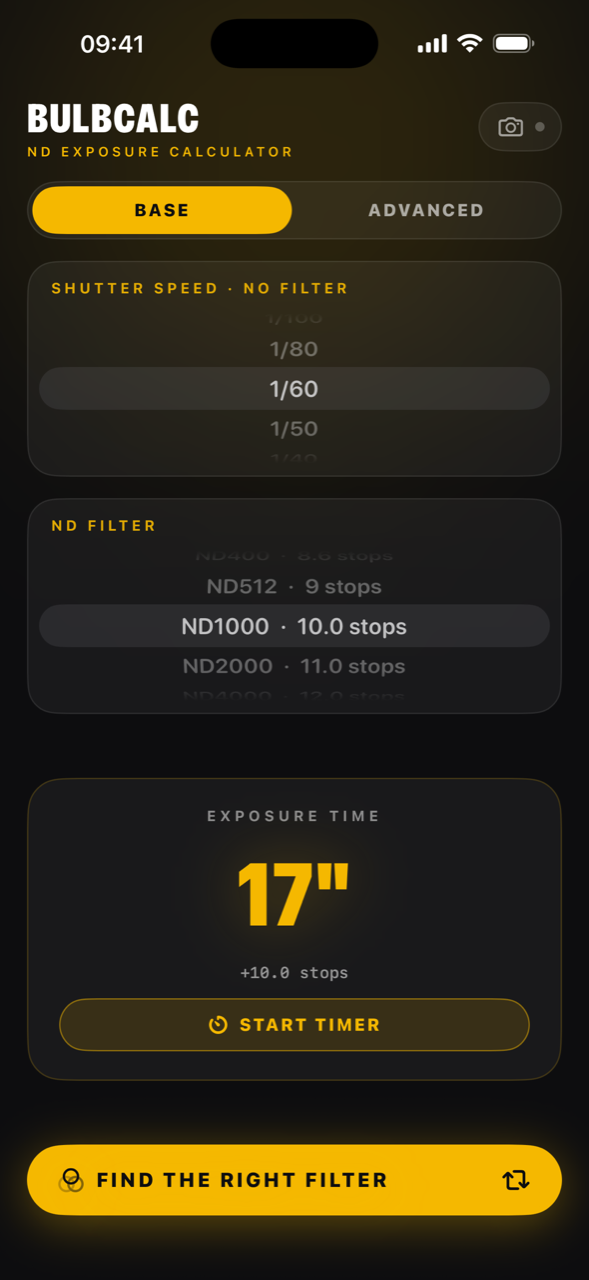
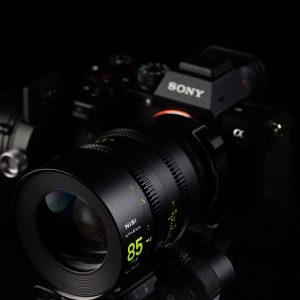
Photo by Francesco Gola
How it works
Three steps, from the camera to the shot.
-
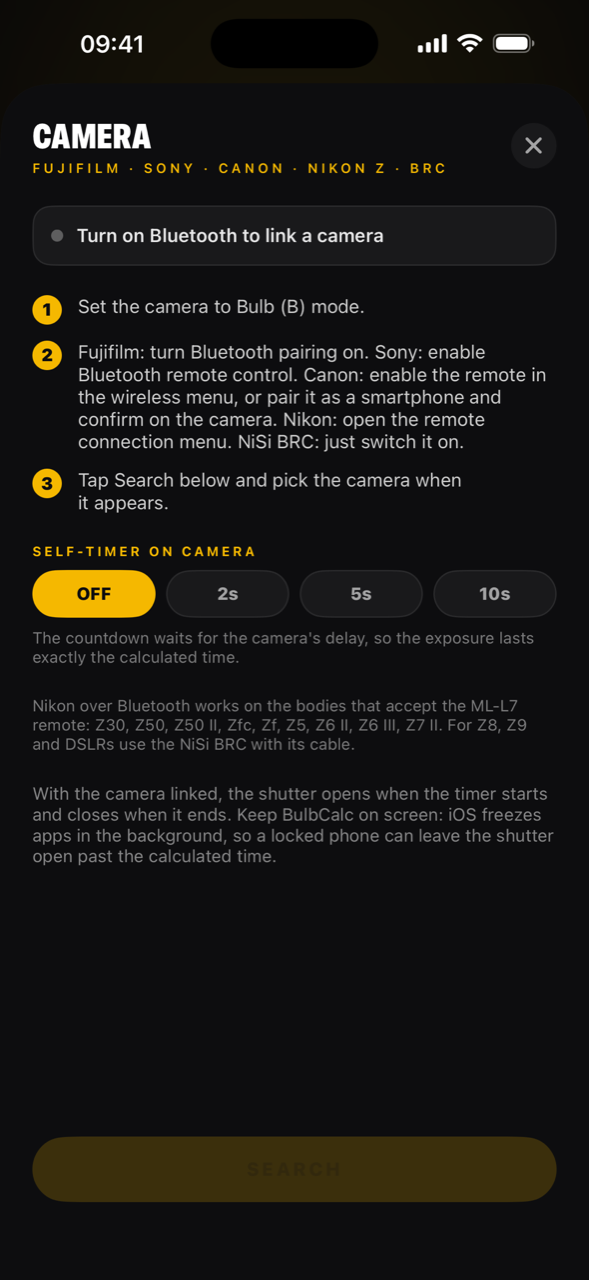
Step 1 Link the camera
Over Bluetooth: Sony, Fujifilm X and GFX, Canon, and the Nikon Z bodies that take the ML-L7 remote.
-
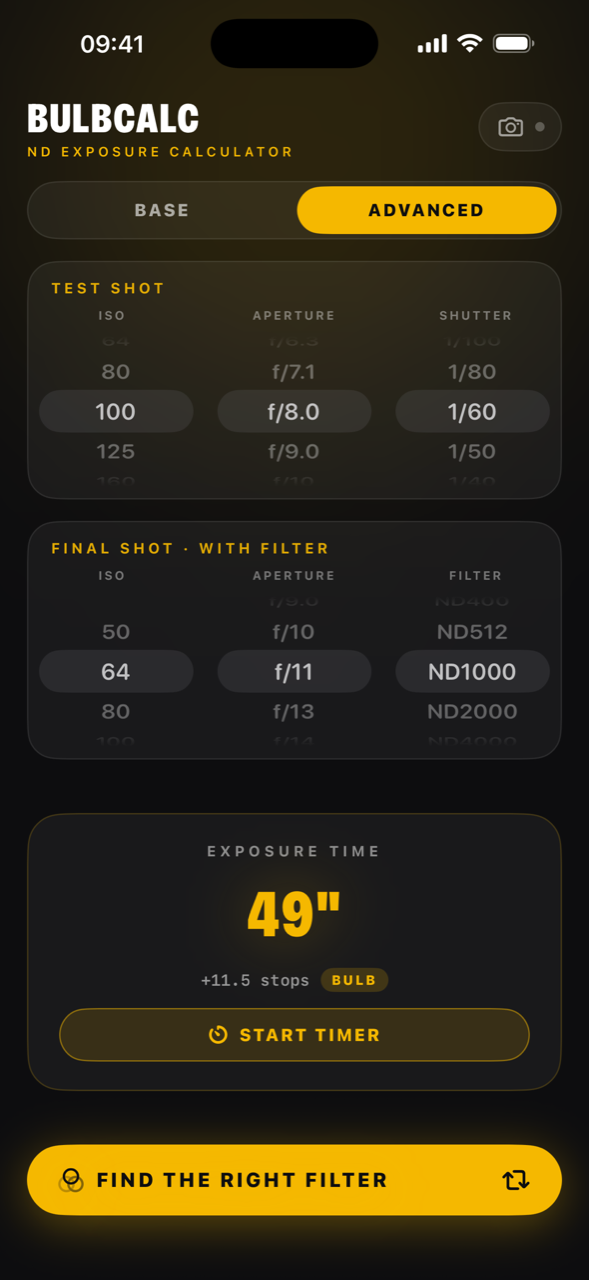
Step 2 Work out the time
Pick the filter and read the exposure time. In advanced mode you start from a test shot and get to the time with the filter, even if it runs for hours.
-
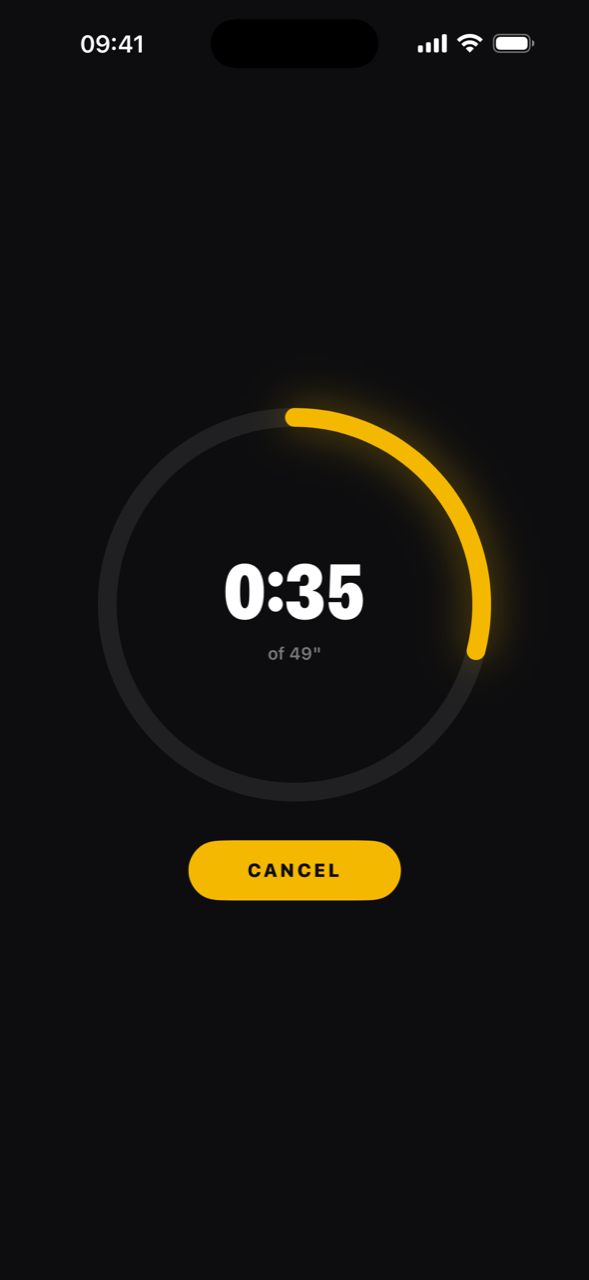
Step 3 Fire the shutter
Start the exposure from the app: BulbCalc opens the shutter and closes it when the time is up. You can follow the countdown on the lock screen too, and the phone rings when it ends.

Get BulbCalc
Free, with no account, for iPhone and Android.
Filters for long exposures
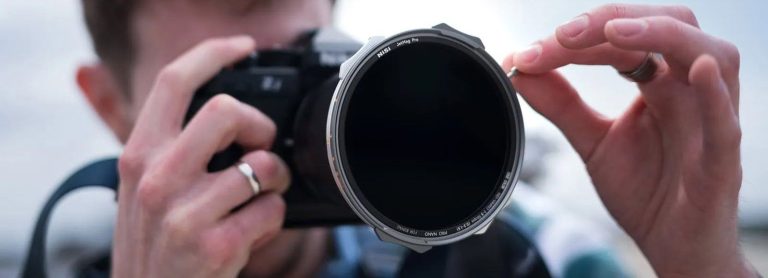
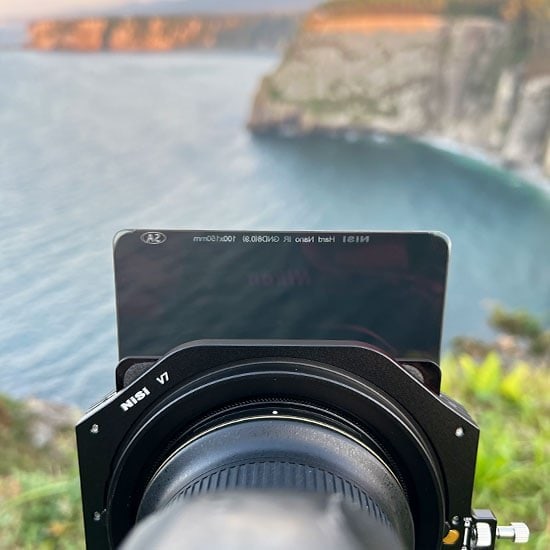
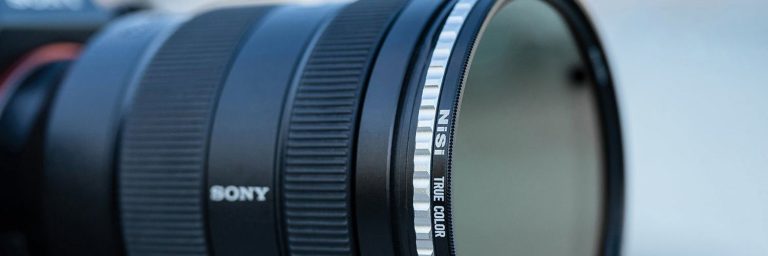
BulbCalc tells you how long to keep the shutter open; the silky water and the streaking clouds come from the ND filter.
Does it work with your camera?
Over Bluetooth BulbCalc controls Sony, Fujifilm X and GFX, Canon, and the Nikon Z bodies that take the ML-L7 remote.
Sony
- The Sony bodies with Bluetooth remote control, such as the a7R V.
Fujifilm
- The Fujifilm X and GFX bodies with Bluetooth.
Canon
- The Canon bodies with Bluetooth, paired with BulbCalc as a remote.
Nikon
- Through the ML-L7 remote protocol: Z30, Z50, Z50 II, Zfc, Zf, Z5, Z6 III, Z6 II and Z7 II.
FAQ
Which phones does it run on?
iPhone with iOS 17 or later and Android phones with Android 8 or later, with Bluetooth. It is free, with no account and no advertising.
Does it need a connection?
Not for the calculation and the timer: they work where there is no signal. The filter advice does, because BulbCalc asks the website for it.
Does it collect my data?
The app collects no data: no account, no tracking. Bluetooth is only used to talk to the camera. When you ask for filter advice or open the shop, the website’s rules apply.
Can I lock the phone during the exposure?
With the timer only, yes: you see the countdown on the lock screen and the notification rings when the exposure ends. With Bluetooth to the camera, no: keep BulbCalc open on screen. If you lock the phone or switch to another app, the system stops it and the shutter can stay open past the time.