


If you own a DJI Osmo Action 5 Pro, Action 4, or Action 3, you already know these action cameras are absolute powerhouses when it comes to image quality and stabilization. However, there is one physical limitation that no software can fully overcome: the natural control of light and motion.
At NiSi, we designed the Professional Kit specifically to transform your footage from looking overly digital into truly cinematic content. In this guide, you’ll discover why this kit is an essential accessory for every content creator and how to get the most out of it.
Why Use ND Filters on DJI Osmo Action Cameras?
In professional filmmaking, there is a fundamental principle known as the 180-Degree Shutter Rule. To achieve smooth and natural-looking motion blur, your shutter speed should be approximately double your frame rate. For example, if you’re filming at 50fps, your shutter speed should be set to 1/100s.
In bright daylight conditions, action cameras are often forced to use shutter speeds such as 1/2000s or faster, resulting in footage that appears choppy and unnatural.
Neutral Density (ND) filters act like sunglasses for your lens, allowing you to:
- Control exposure without affecting color reproduction.
- Achieve cinematic motion blur.
- Reduce glare and atmospheric haze in bright conditions.
What’s Included in the NiSi Professional Kit?
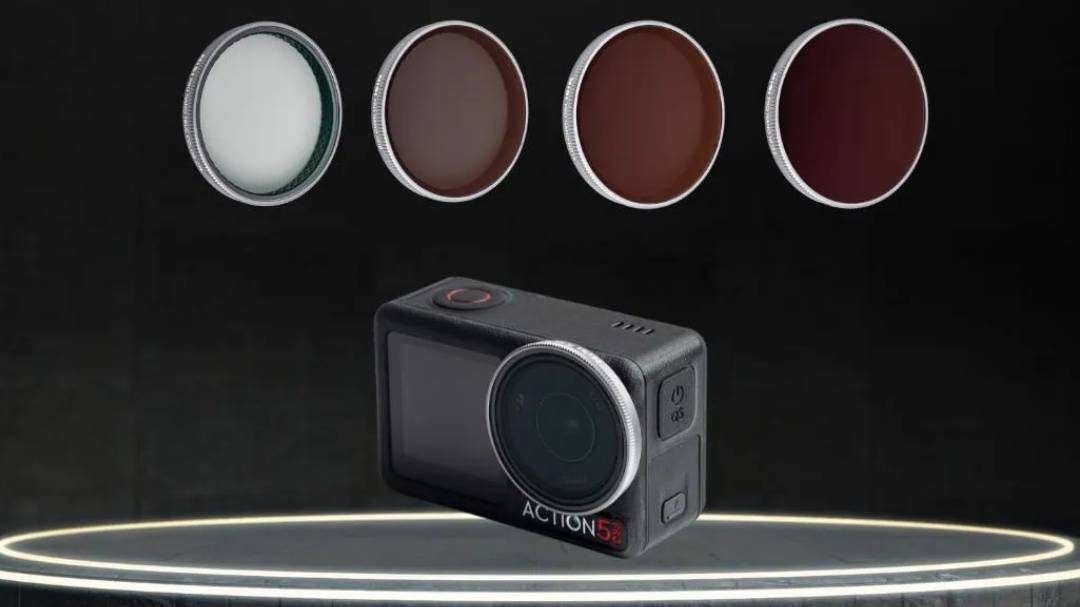
The Professional Kit has been carefully curated by our experts to cover virtually every lighting situation, from sunrise shoots to bright mountain landscapes under midday sun.
| Filter | Ideal Shooting Conditions |
|---|---|
| ND8 (3 Stops) | Perfect for sunrise, sunset and heavily overcast days |
| ND16 (4 Stops) | Ideal for moderate daylight and woodland environments |
| ND32 (5 Stops) | The go-to filter for bright sunny conditions |
| True Color CPL | Essential for reducing reflections from water, foliage, glass and other reflective surfaces |
Technical Note: Every filter in the kit is crafted using NiSi’s renowned cinema-grade optical glass, ensuring your DJI Osmo Action delivers exceptional sharpness from edge to edge without compromising image quality.
Unique Features of the NiSi Action Camera System
Superior Color Accuracy
Unlike many low-cost filters that introduce unwanted magenta or blue color shifts, NiSi filters maintain exceptional color neutrality.
What you see in real life is what you capture in your final footage, reducing the need for extensive color correction during post-production.
Nano Coating® Technology
Adventure filmmaking demands durability.
Our Nano Coating® treatment makes the filter surface:
- Water-repellent
- Oil-resistant
- Fingerprint-resistant
- Anti-reflective
This keeps your footage cleaner and your filters easier to maintain, even in challenging environments.
Ultra-Slim Design and Perfect Compatibility
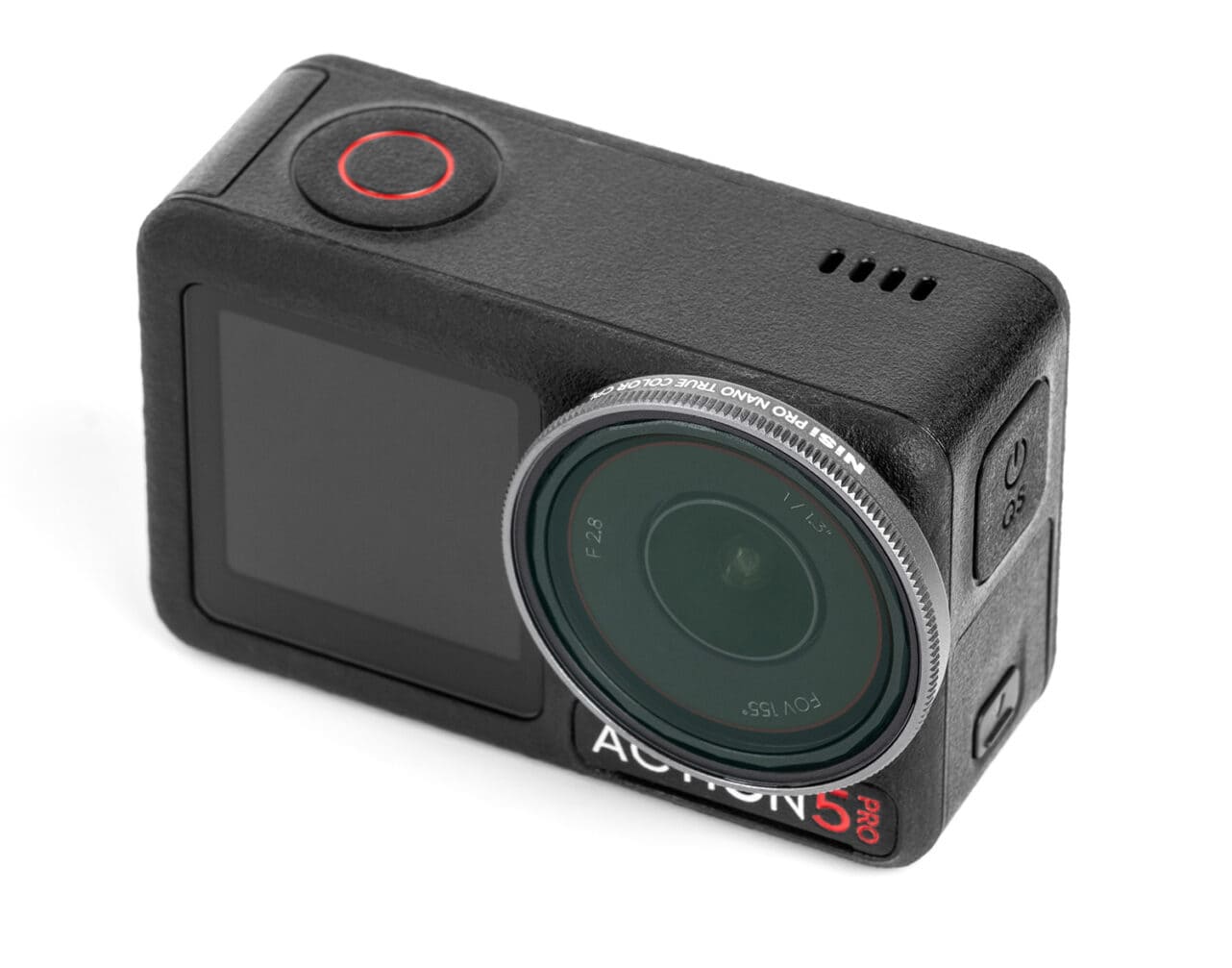
The lightweight and durable frame has been specifically engineered to integrate seamlessly with the original mounting system of the DJI Osmo Action 3, Action 4 and Action 5 Pro.
Installation is quick, secure and reliable, making it ideal for creators who need to adapt rapidly in the field.
How to Choose the Right ND Filter
Follow these simple steps:
- Set your Osmo Action camera to Manual (M) mode.
- Choose your desired frame rate (25fps, 30fps, 50fps, etc.).
- Set your shutter speed to approximately double your frame rate.
- Attach the appropriate NiSi ND filter until exposure is correctly balanced using the camera’s histogram.
Take Your Footage to the Cinematic Level
Great storytelling deserves great optics.
With the NiSi Professional Kit for DJI Osmo Action cameras, you gain complete control over light, motion and reflections, allowing you to capture professional-quality footage in virtually any environment.
Shop the NiSi Professional Kit today and unlock the full cinematic potential of your DJI Osmo Action 5 Pro, Action 4 or Action 3.
Frequently Asked Questions
Are the filters compatible with the DJI Osmo Action 5 Pro?
Yes. The filter design and mounting system are fully compatible with DJI Osmo Action 3, Action 4 and Action 5 Pro models.
Do ND filters affect RockSteady stabilization?
No. NiSi filters are engineered to be ultra-lightweight and do not interfere with DJI’s stabilization sensors or algorithms.
Can I use these filters underwater?
Yes. The Nano Coating® treatment helps water bead off the filter surface. However, always ensure the filter is securely attached before submerging the camera.


